
Quick Verdict
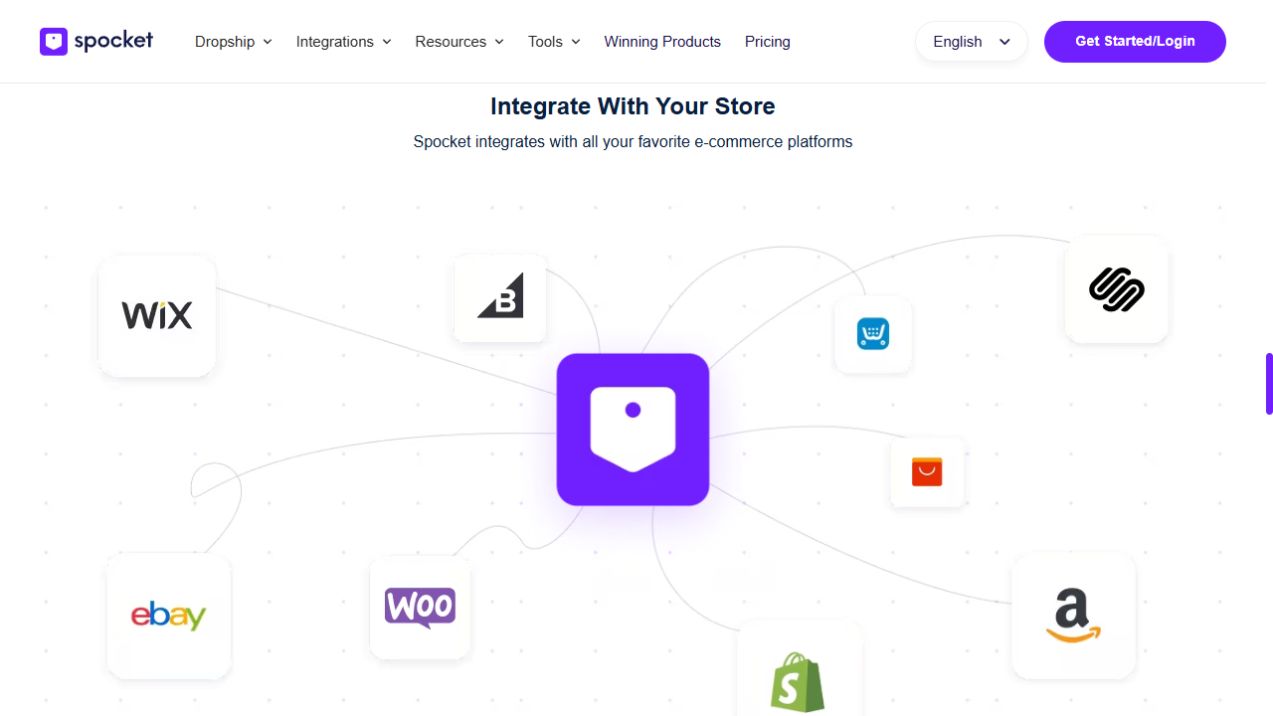
Spocket works with Shopify and can be connected from either your Spocket account or the Shopify App Store. After connecting, select products, edit them in an import list and push them to your Shopify store. Remember that a Shopify customer order still needs to be properly processed and paid through your supplier workflow.
Affiliate disclosure: This article contains affiliate links. If you sign up through one of them, we may earn a commission at no additional cost to you.
Compare Spocket plans and current offers
A good Spocket Shopify integration setup does more than connect two logos. The aim is to keep listings accurate, give customers a clear delivery expectation, and make sure you understand what happens after checkout.
Shopify provides the storefront and customer checkout. Spocket supplies a workflow for finding eligible dropshipping products and bringing them into the store. The individual supplier handles the shipment after the order has been processed.
What you need before installing Spocket on Shopify
Have an active Shopify store with payment and shipping settings ready to review, an email you can use for the Spocket account, and a specific niche or shortlist of products. You should also know your main target country. That matters because shipping options and costs depend on where the customer lives.
You can explore Spocket before committing to a long subscription, but check the plan limits and renewal terms if you activate a paid trial. Our Spocket free trial guide explains the difference between Basic access, monthly trials and annual plans.
Method 1: Connect Shopify from Spocket
Spocket's official Shopify instructions describe this route for merchants who already have a Spocket account:
- Sign in to Spocket.
- Open Shop in the sidebar.
- Select Shopify as your platform.
- Enter your Shopify store URL in the requested field.
- Follow the authorization flow and confirm the correct store was connected.
Afterward, return to Shopify and Spocket to make sure the connection points to the store you intended. A merchant managing several stores should be especially careful not to choose the wrong domain.
Method 2: Install Spocket from Shopify
You can also go to the Shopify App Store, search for the official Spocket app, select Add app and grant the requested permissions. The Spocket help guide says a Spocket account can be created as part of a successful app installation if you do not already have one.
Review app permissions and billing before approval. Installing an app is not permission to ignore subscription terms or Shopify's own platform charges.
For the official sequence, see Spocket's Shopify connection help.
How to add Spocket products to Shopify
Once the stores are linked, browse Spocket's product catalog for items that fit your audience and delivery region. Open the listing and review the supplier location, price, variant options, processing time, shipping destinations and return policy.
Next, choose Add to Import List. In the Import List, edit the product for your store. That means replacing vague supplier copy with accurate, clear descriptions, checking variants and photos, and setting prices based on real costs. When the listing is ready, select Push to Store. Then open the product in Shopify to check its public appearance.
Spocket's importer documentation describes importing listings item by item. It is worth learning the workflow on one product before trying to fill a large catalog.
What to check in Shopify after importing
Product title and description
Write a title that tells shoppers what the item is, not a title stuffed with related phrases. Put important specifications near the top. Include product dimensions, materials, fit, compatibility or care instructions if the supplier supports those claims.
Variants and product prices
Check that prices are correct for each variant. If a color or size costs more to source, the difference should be accounted for in your retail pricing.
Shipping and return content
The supplier's processing and shipping time determine what you can reasonably promise. Add the two business-day estimates together. Your store's shipping policy should explain timing and destinations without implying every item has the same delivery schedule.
SEO and customer experience
Choose a straightforward product URL, write a useful meta description, and preview the page on mobile. Use original sample photographs if available. A well-written product page converts better than a pile of unedited import data.
How orders work after someone buys on Shopify
A Shopify order is the start of fulfillment, not the end. Check the connected Spocket order workflow and make sure you have checked out and paid for the supplier order where required. Spocket's order instructions warn that a customer order does not ship until it has been processed by the retailer.
Once the supplier dispatches the order, track the shipment and communicate delivery information to the customer. If the order shows a delay, examine the specific processing and shipping window before contacting support.
Read Spocket shipping times and costs for a practical explanation of the order stages.
Troubleshooting common Spocket Shopify issues
Products are not appearing. Confirm the import was actually pushed to the correct store and that the product is published to the expected Shopify sales channel.
You cannot import more items. Check your Spocket plan's unique product allowance. Starter is limited to 25, while Professional lists 250.
The order is still awaiting action. Open Spocket Orders and check whether the supplier checkout and payment step has been completed.
Shipping costs look wrong. Do not assume your Shopify flat-rate settings match supplier shipping fees. Compare the actual destination-specific supplier rate and adjust your customer pricing appropriately.
The wrong account is connected. Verify the store URL and Spocket login associated with the integration, especially if you operate several brands.
Is Spocket worth using with Shopify?
It can fit a Shopify business that wants a connected supplier catalog and has a process for checking fulfillment costs and policies. It is less useful if you expect the app to find a winning product, write a great offer, run ads and answer customer complaints on its own.
Compare Spocket pricing with your Shopify and payment-gateway expenses. If you are evaluating several sourcing tools, our Spocket vs Zendrop comparison explains the main differences for a Shopify merchant.
Frequently asked questions
Does Spocket work with Shopify?
Yes. Spocket has an official Shopify app and a documented connection flow from within Spocket.
Can I import Spocket products with one click?
There is a straightforward import workflow, but you still need to shortlist, edit and push products. Spocket's help guide says product imports are handled individually rather than unlimited bulk importing.
Does Spocket automatically ship Shopify orders?
Suppliers ship the products, but your retailer workflow must process and pay for orders where required before the supplier dispatches them.
Can I use one Spocket account for several Shopify stores?
Spocket says multiple stores can be managed from one account, but separate subscriptions may be needed for full functionality and VIP support for each store.
Is Spocket free on Shopify?
Spocket has Basic browsing and eligible trial options, but paid plans are required for their full advertised allowances. See Spocket free trial terms.
The Bottom Line
Connect Spocket to Shopify, test one product end to end, and confirm the supplier checkout process before scaling. Strong product descriptions, transparent delivery terms and a reliable supplier matter more than the number of listings you can import in an afternoon.